Manual Report Generation
If a new report configuration is created or an existing one is modified and there is a need to immediately generate missing reports for past periods, the Force report generation function can be used.
This function eliminates the need to wait for automatic generation or request developer assistance.
Where to find the function
-
Open the Report Configuration section
-
Click Edit on the desired configuration
-
On the configuration edit page, the following button is available:
"Force report generation"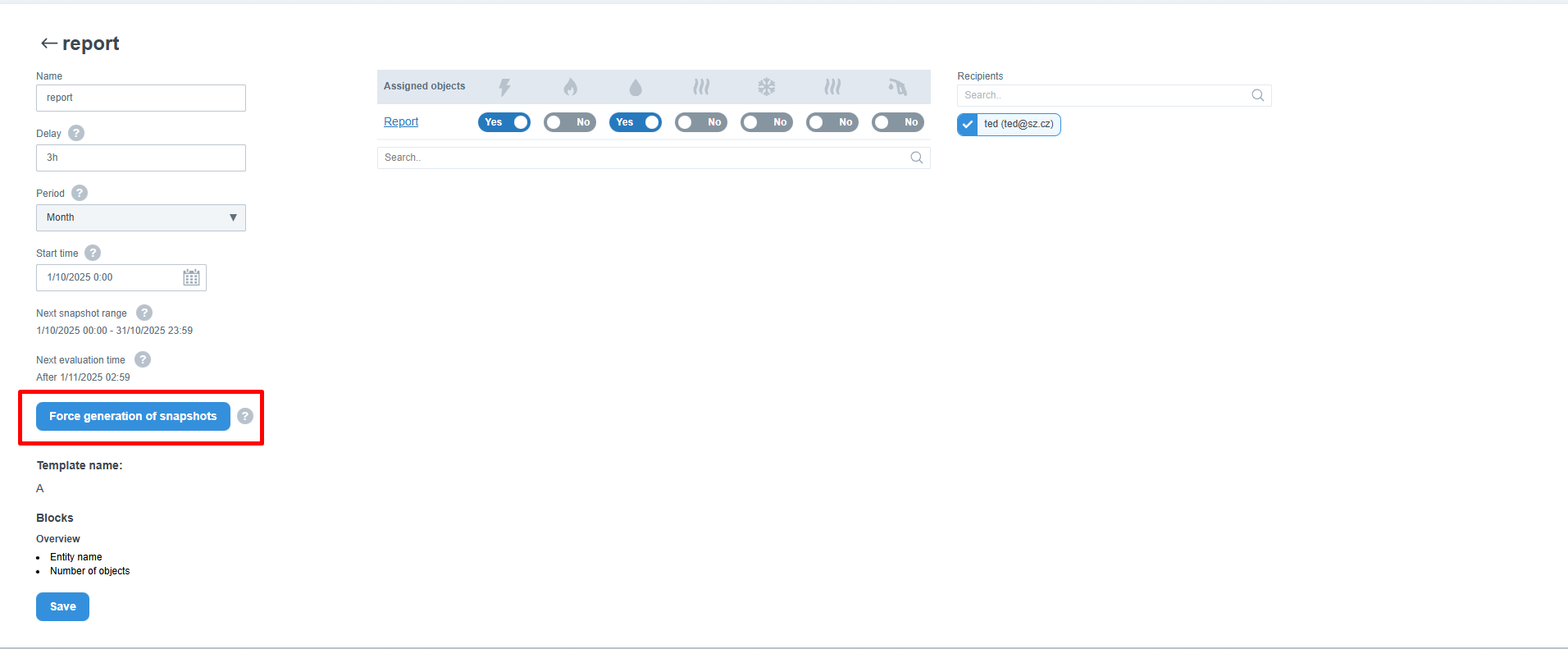
How the function works
When the button is clicked:
- The system enqueues generation of all missing report snapshots
- Generation starts from the configuration’s start date
- Reports are generated for each complete period:
- Monthly reports → one per month
- Weekly reports → one per week
- Newly generated snapshots appear in the reports list within a few minutes (depending on data range)
Important rules
- If a snapshot for a specific period already exists, it will not be regenerated or modified
- The button always generates only missing snapshots
- If there is nothing to generate, the button is disabled
- If the generation is already in progress and another attempt is made, the system will display an error message